
How To
Time needed: 1 minute
Want the full printable classroom pack?
Take the flag reference from your screen to an offline pack for lessons, practice, and quiz time.
- Printable atlas with 230+ high-resolution flag flats
- Four regional quizzes with answer keys
- Flag Bingo boards and caller sheet
How to copy and paste the Flag of Guam Emoji to any device.
- Copy the Guam Flag Emoji
Go to flagemoji.com and press the copy button (above). This works on any device.
- Paste the Emoji
Go to your email/iMessage/SMS texting service/document and paste the emoji.
For mobile devices
— double-tap or tap-hold, then paste should appear. Tap it.
For desktop and laptops on Apple devices
— command-P / ⌘-P
For desktop and laptops on Windows devices
— control-p
Emoji Codes
Flag emojis are unicode symbols, like any other letter or number on your keyboard. This means you can copy and paste the emoji itself into your code, whatever the language (click the button above).
They actually count as two characters: the two-letter country/territory code (the ISO international standard). The unicode and shortcode both represent territory data which devices can interpret and display the emoji.
| Territory Code | Unicode | Shortcode |
| GU | U+1F1EC U+1F1FA | :flag_GU:n:GU: |
Emoji shortcodes are used on some platforms as a way for users to type in emojis from the keyboard. If you type the emoji shortcode on Github or Slack, the emoji will appear.
[/tab] [tab title=”Description”]Description
The flag of Guam features a dark blue background with a narrow red border on all sides and the territorial seal in the centre. The seal is almond-shaped and depicts a coconut palm tree on the shore, a sailing outrigger canoe, and the word “GUAM” in red letters. The blue represents the Pacific Ocean, and the overall design reflects the Chamorro people’s connection to the sea and land. It was adopted in 1917.
[/tab] [tab title=”Map”]Map
[/tab] [tab title=”Weather”]Weather
In the Capital
HAGATNA WEATHER [/tab] [tab title=”FAQ”]FAQ
The Guam flag emoji 🇬🇺 represents the flag of Guam. You can copy and paste it from flagemoji.com.
The easiest way is to copy it from this page using the copy button above. The emoji uses the ISO code GU and works on all modern devices and platforms.
Most modern devices (iOS, Android, Mac, Windows) support territory flag emojis including Guam. Some older Windows versions may show the country code letters instead of the flag image.
Printable Flag
A printable version of the Guam flag is coming soon. Check back later or browse other flags.
[/tab] [/responsive_tabs]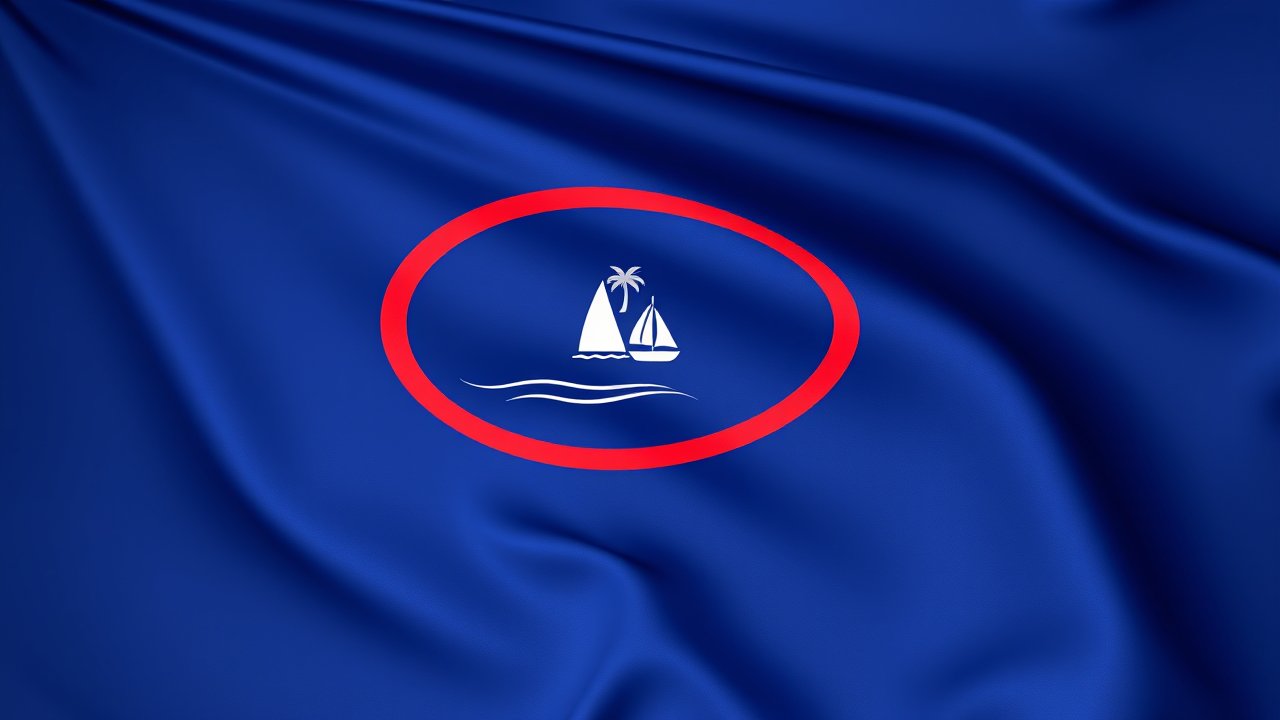
3D Glossy Render — Dark blue field with a narrow red border and an almond-shaped emblem depicting a beach scene with a palm tree and sailboat. The flag of Guam as a photorealistic 3D render. Dark blue field with a narrow red border and an almond-shaped emblem depicting a beach scene with a palm tree and sailboat. The flag fabric hangs or drapes naturally but preserves exact proportions, colors, and all symbols perfectly — completely faithful to the real Guam flag. Dramatic studio lighting, glossy silk material, soft shadows, subsurface scattering, perfect specular highlights. No text, no letters, no words, no writing of any kind.
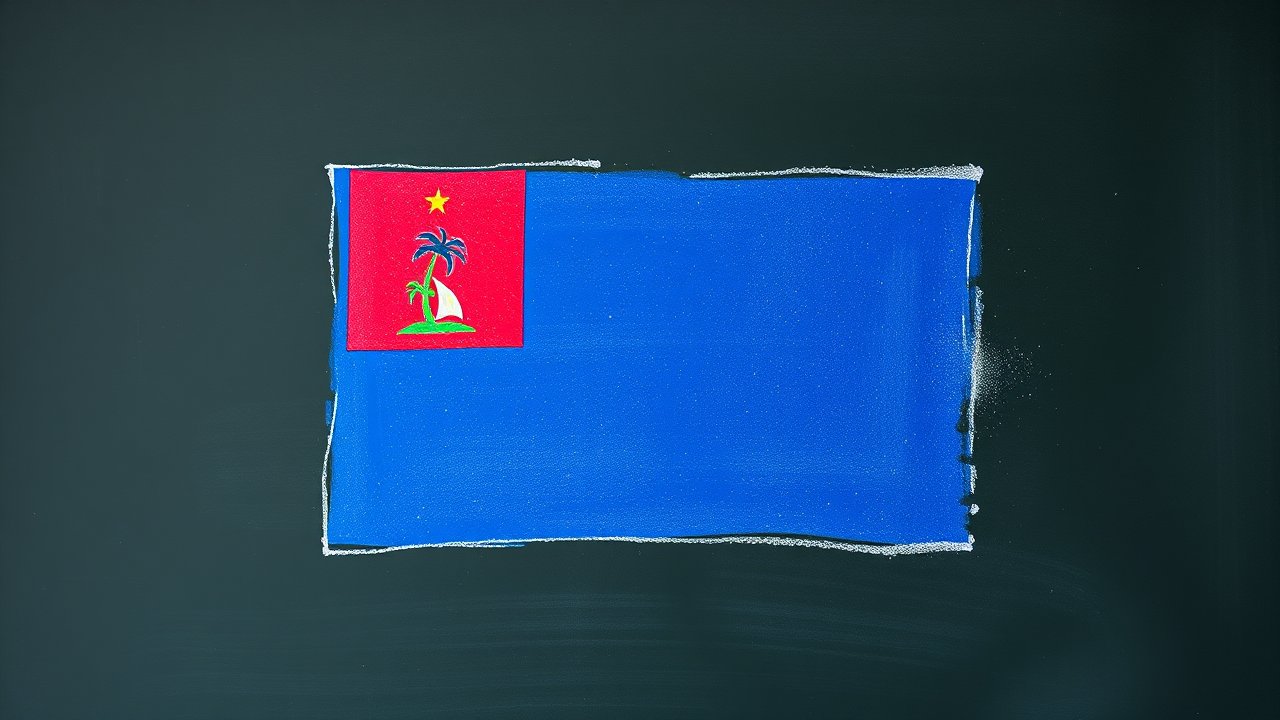
Chalk on Blackboard — Dark blue field with a narrow red border and an almond-shaped emblem depicting a beach scene with a palm tree and sailboat. The flag of Guam drawn in chalk on a real blackboard. Dark blue field with a narrow red border and an almond-shaped emblem depicting a beach scene with a palm tree and sailboat. Authentic blackboard — dark slate green surface with chalk dust and smudge marks. Soft, dusty white and colored chalk lines, imperfect edges, hand-drawn quality. Chalk dust particles visible in the air. The flag is immediately recognizable. No text, no letters, no words, no writing of any kind.
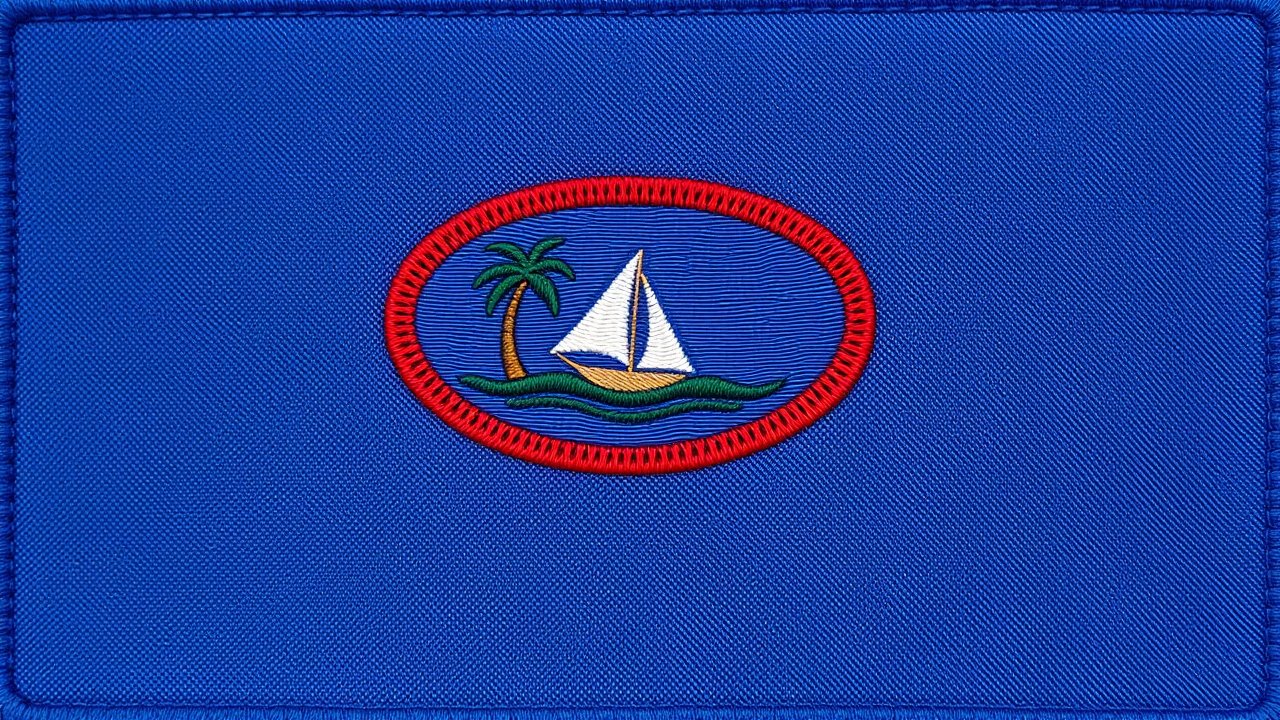
Embroidered Textile — Dark blue field with a narrow red border and an almond-shaped emblem depicting a beach scene with a palm tree and sailboat. The flag of Guam as intricate embroidery on linen fabric. Dark blue field with a narrow red border and an almond-shaped emblem depicting a beach scene with a palm tree and sailboat. Dense satin stitches, French knots, chain stitch detail. The flag design is completely faithful — exact colors, geometry, and all symbols faithfully stitched, immediately recognizable as the Guam flag. Visible thread texture, dimensional quality, warm handcrafted feel. No text, no letters, no words, no writing of any kind.
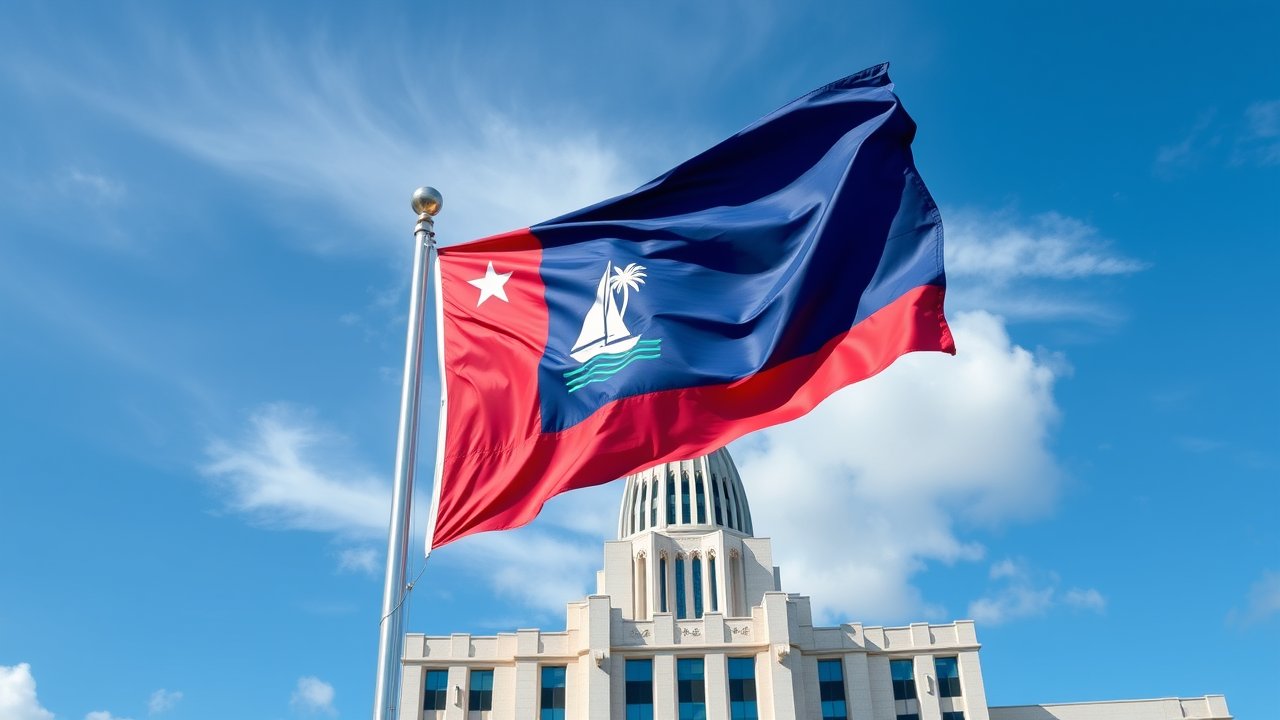
Flagpole in Capital — Dark blue field with a narrow red border and an almond-shaped emblem depicting a beach scene with a palm tree and sailboat. Photorealistic photograph of the Guam flag flying on a tall flagpole in front of an iconic government building in the capital city. Dark blue field with a narrow red border and an almond-shaped emblem depicting a beach scene with a palm tree and sailboat. The flag ripples naturally in the wind, colors vivid and exact. Documentary photography style, sharp and realistic. Grand architecture in the background. Blue sky, dramatic clouds. No text, no letters, no words, no writing of any kind.
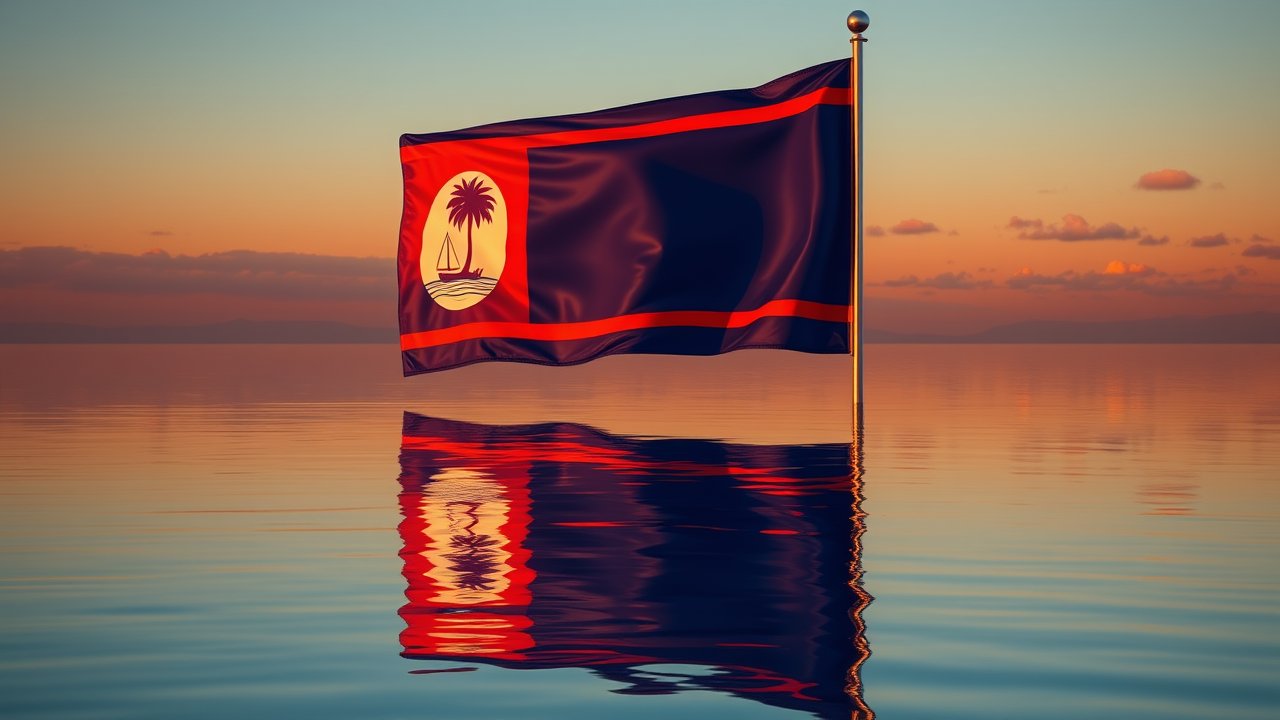
Golden Hour Reflection — Dark blue field with a narrow red border and an almond-shaped emblem depicting a beach scene with a palm tree and sailboat. Photorealistic photograph of the Guam flag reflected in still water at golden hour. Dark blue field with a narrow red border and an almond-shaped emblem depicting a beach scene with a palm tree and sailboat. The flag flies on a pole at the water’s edge, its reflection shimmering on the surface below. Warm amber and orange sunset light. The flag colors and design are faithful and vivid. Serene, cinematic landscape photography. No text, no letters, no words, no writing of any kind.
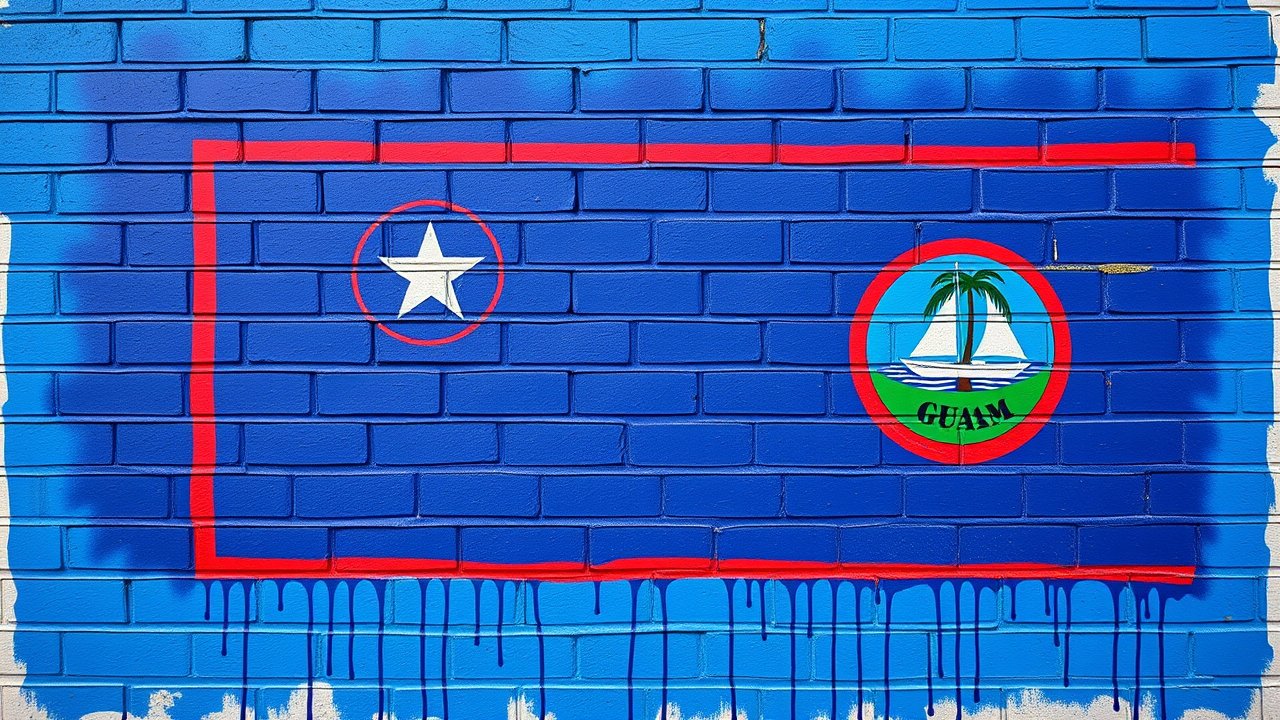
Street Art / Graffiti — Dark blue field with a narrow red border and an almond-shaped emblem depicting a beach scene with a palm tree and sailboat. The flag of Guam as vibrant street art spray-painted on a brick wall. Dark blue field with a narrow red border and an almond-shaped emblem depicting a beach scene with a palm tree and sailboat. Bold spray paint, dripping edges, stencil layers, overspray halos. The flag design is faithful and immediately recognizable — exact colors and symbols, just rendered in spray paint on urban concrete. No text, no letters, no words, no writing of any kind. No tags, no graffiti lettering.
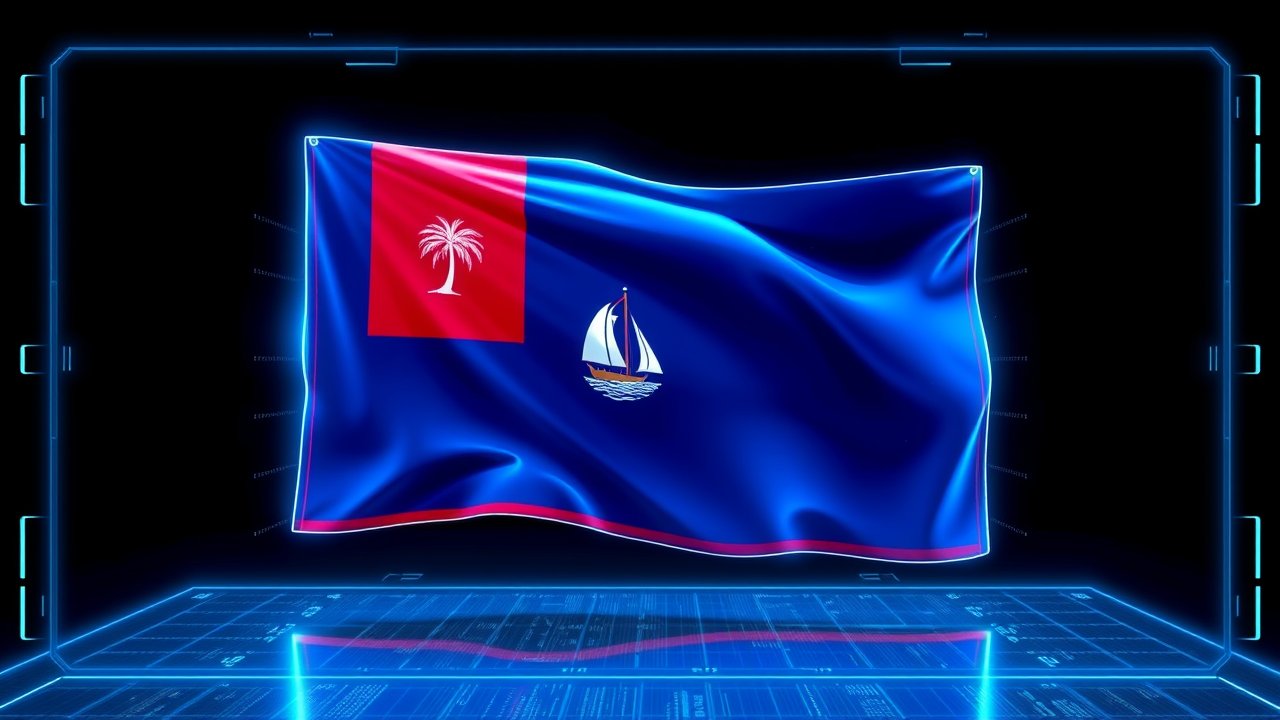
Sci-Fi Hologram — Dark blue field with a narrow red border and an almond-shaped emblem depicting a beach scene with a palm tree and sailboat. The flag of Guam projected as a futuristic holographic display. Dark blue field with a narrow red border and an almond-shaped emblem depicting a beach scene with a palm tree and sailboat. Translucent blue-white projection with scan lines, floating in dark space. Glitching edges, particle effects, data streams. The flag design is completely faithful and recognizable. Cyberpunk HUD elements framing the projection. No text, no letters, no words, no writing of any kind.
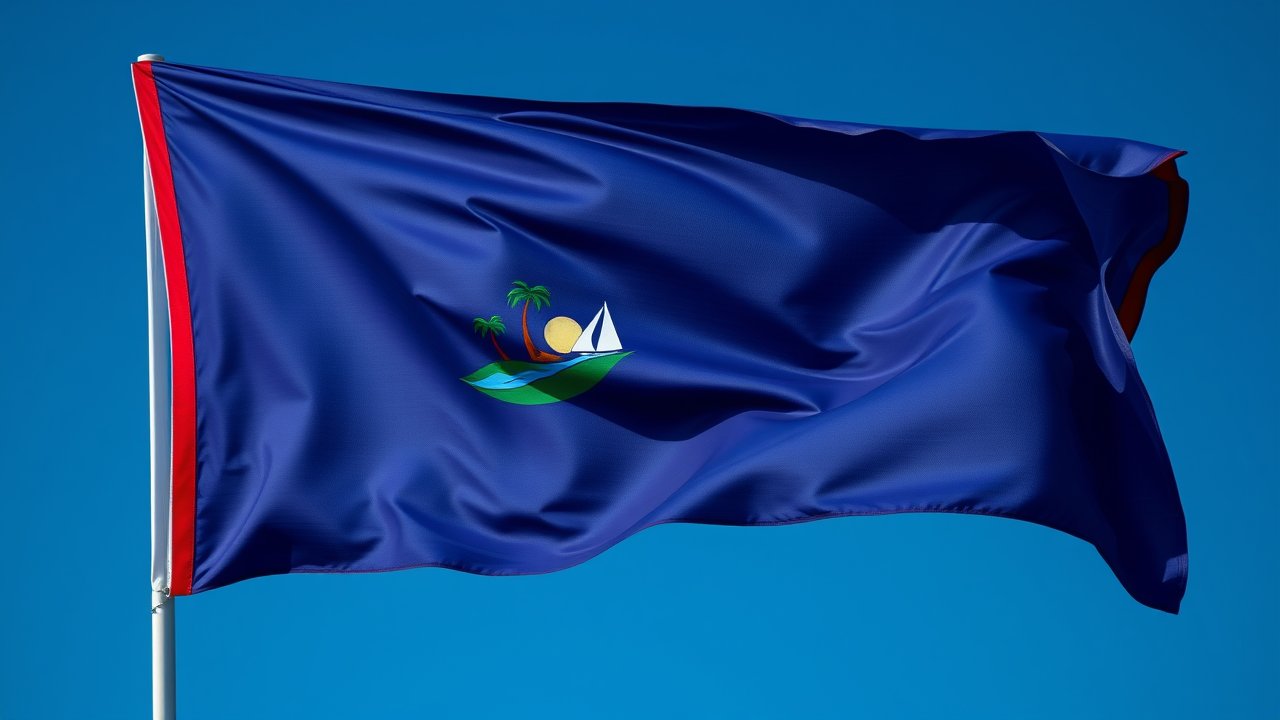
Hyperrealistic Wind — Dark blue field with a narrow red border and an almond-shaped emblem depicting a beach scene with a palm tree and sailboat. Ultra-hyperrealistic photograph of the Guam flag caught in a dramatic gust of wind. Dark blue field with a narrow red border and an almond-shaped emblem depicting a beach scene with a palm tree and sailboat. Macro-level fabric detail — individual threads visible, fabric folds and tension lines crisp. Colors and design completely faithful to the real Guam flag. High-speed shutter, razor-sharp focus, studio lighting. No text, no letters, no words, no writing of any kind.
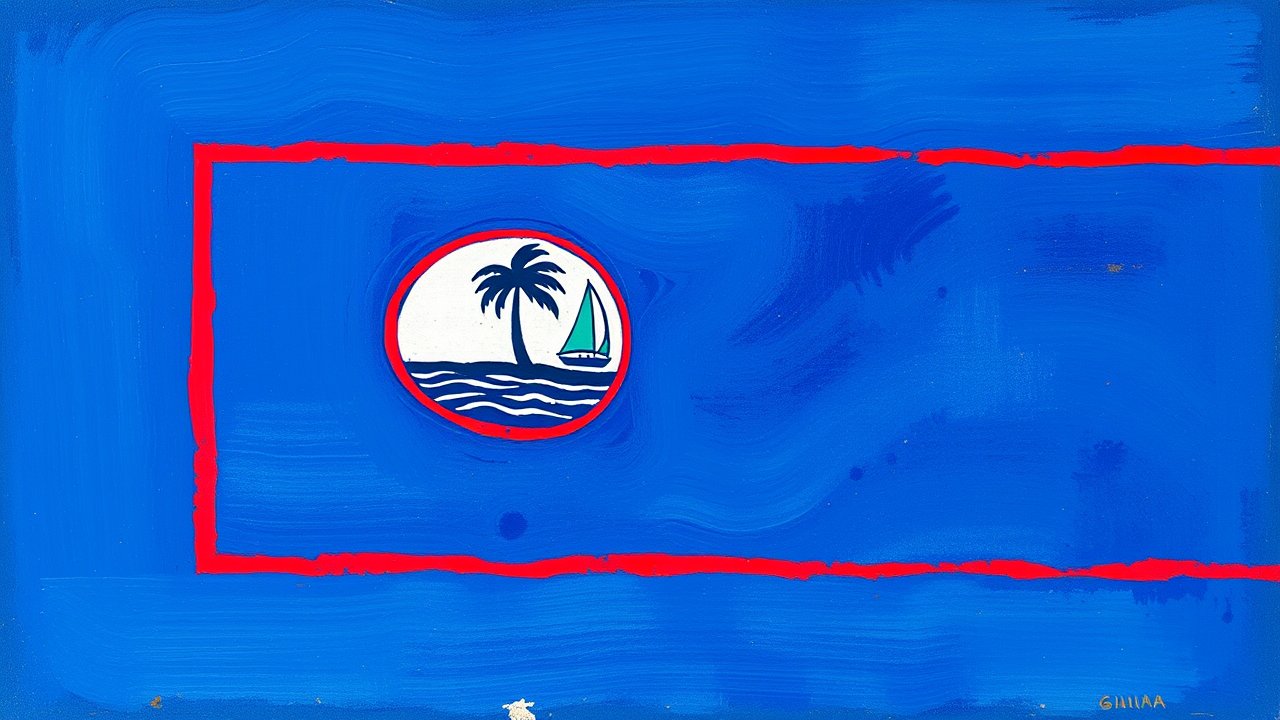
Impressionist Oil — Dark blue field with a narrow red border and an almond-shaped emblem depicting a beach scene with a palm tree and sailboat. The flag of Guam painted in French Impressionist oil on canvas. Dark blue field with a narrow red border and an almond-shaped emblem depicting a beach scene with a palm tree and sailboat. Thick impasto brushstrokes, dappled light, vibrant broken color technique in the style of Monet. The flag is instantly recognizable — colors and design faithful to the real Guam flag, interpreted with impressionist light and texture. No text, no letters, no words, no writing of any kind.
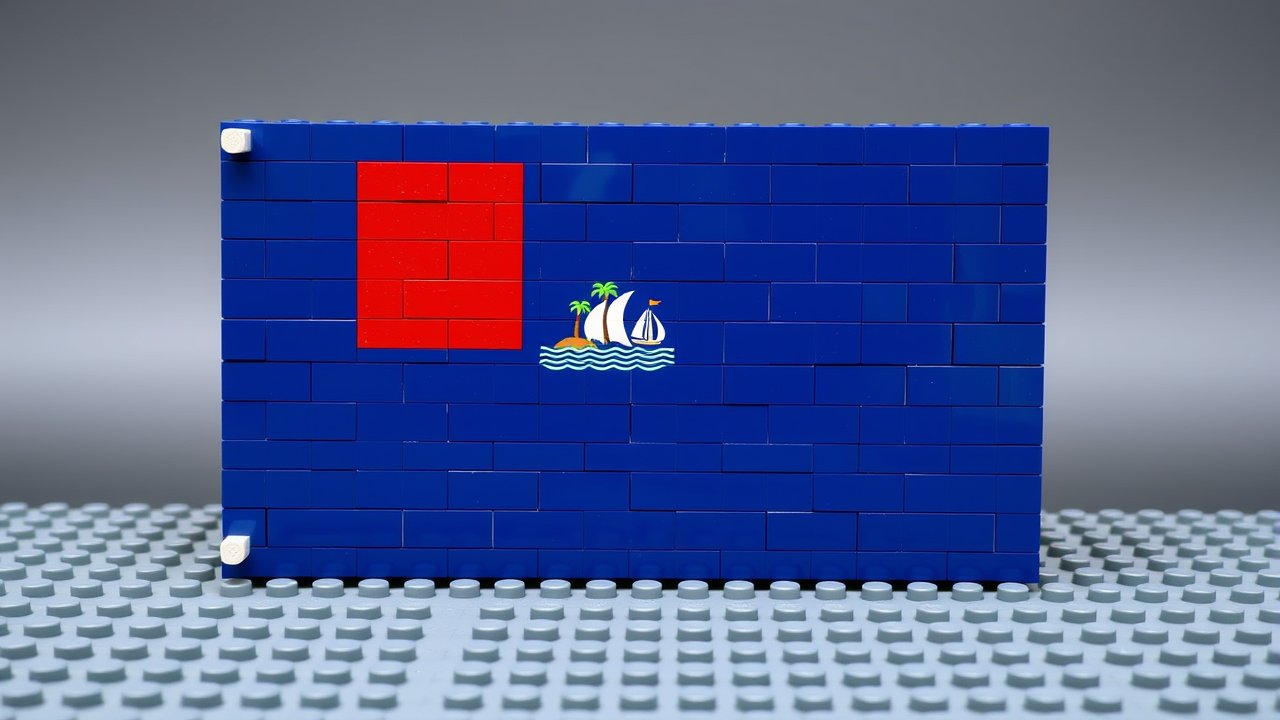
Lego Bricks — Dark blue field with a narrow red border and an almond-shaped emblem depicting a beach scene with a palm tree and sailboat. The flag of Guam built from Lego bricks, photographed as a real physical construction. Dark blue field with a narrow red border and an almond-shaped emblem depicting a beach scene with a palm tree and sailboat. Visible studs and brick seams, slight plastic sheen. Standard Lego colors approximate the flag’s palette. Built on a gray Lego baseplate. Dramatic angle showing the three-dimensional brick texture. No text, no letters, no words, no writing of any kind.
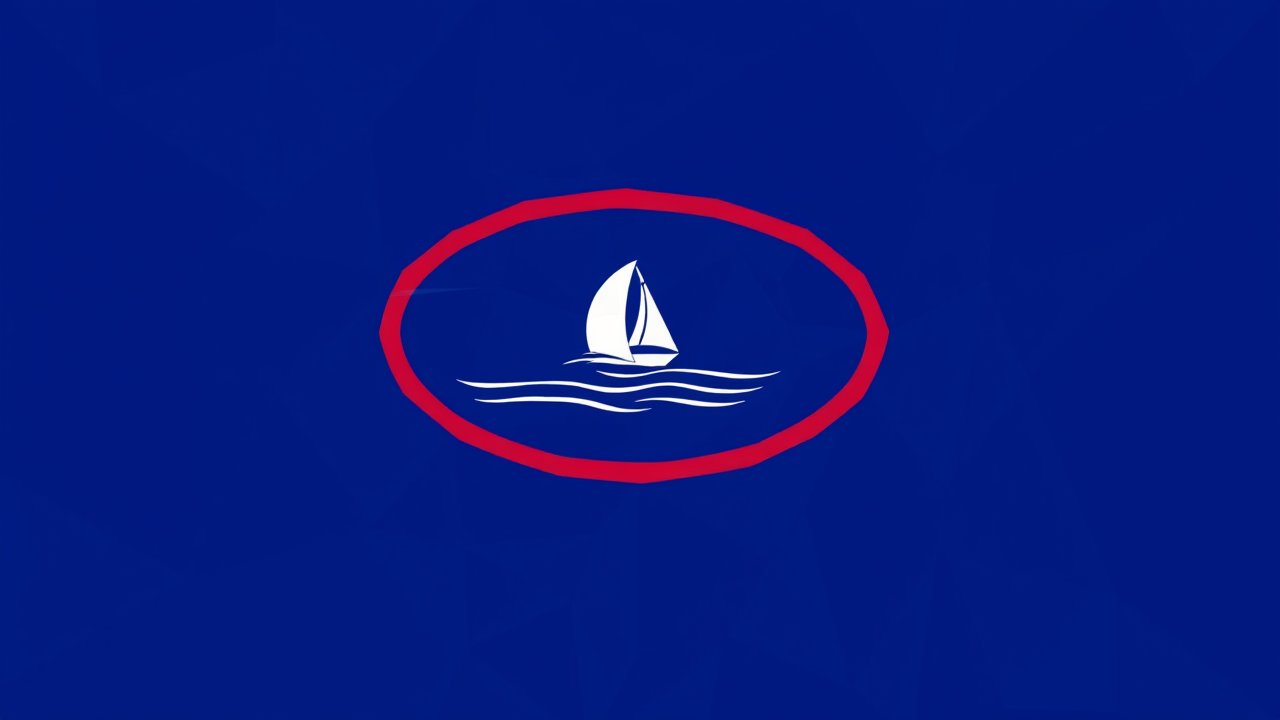
Low-Poly Geometric — Dark blue field with a narrow red border and an almond-shaped emblem depicting a beach scene with a palm tree and sailboat. The flag of Guam constructed from low-polygon geometric triangles. Dark blue field with a narrow red border and an almond-shaped emblem depicting a beach scene with a palm tree and sailboat. Aggressively faceted — each region broken into many visible triangular faces with subtle color variation across each polygon, creating real depth and dimensionality even in flat-color areas of the flag. Crystal-like, contemporary computational design. The flag is completely faithful and immediately recognizable. No text, no letters, no words, no writing of any kind.
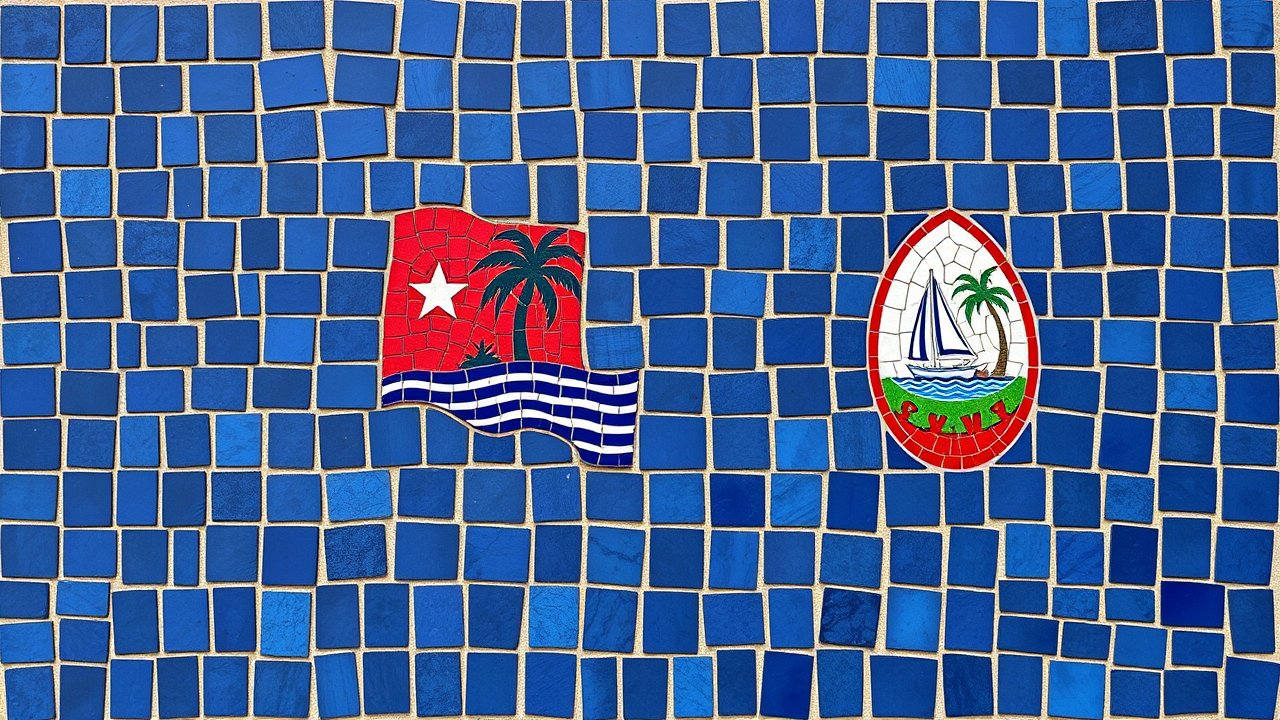
Mosaic Tiles — Dark blue field with a narrow red border and an almond-shaped emblem depicting a beach scene with a palm tree and sailboat. The flag of Guam assembled as a Roman-style mosaic. Dark blue field with a narrow red border and an almond-shaped emblem depicting a beach scene with a palm tree and sailboat. The flag is completely faithful to the real Guam flag — exact proportions, colors, and all symbols, rendered in thousands of small stone and glass tesserae. Visible grout lines, rich earthy tones mixed with brilliant glass, slight historical weathering. No text, no letters, no words, no writing of any kind.
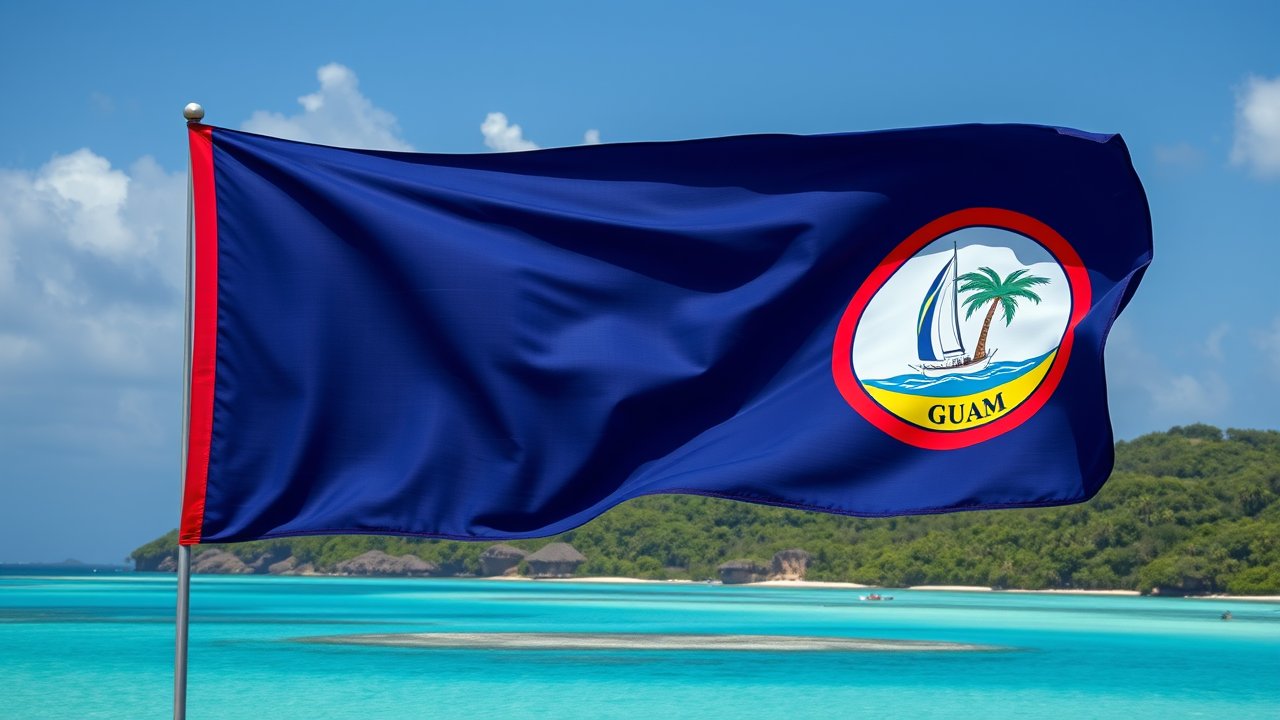
Native Landscape — Dark blue field with a narrow red border and an almond-shaped emblem depicting a beach scene with a palm tree and sailboat. Photorealistic photograph of the Guam flag flying in an iconic natural landscape native to Guam — the terrain, flora, and environment characteristic of that country. Dark blue field with a narrow red border and an almond-shaped emblem depicting a beach scene with a palm tree and sailboat. The flag is prominent and its colors are faithful and vivid. Remote, uninhabited wilderness. National Geographic photography style. No text, no letters, no words, no writing of any kind.
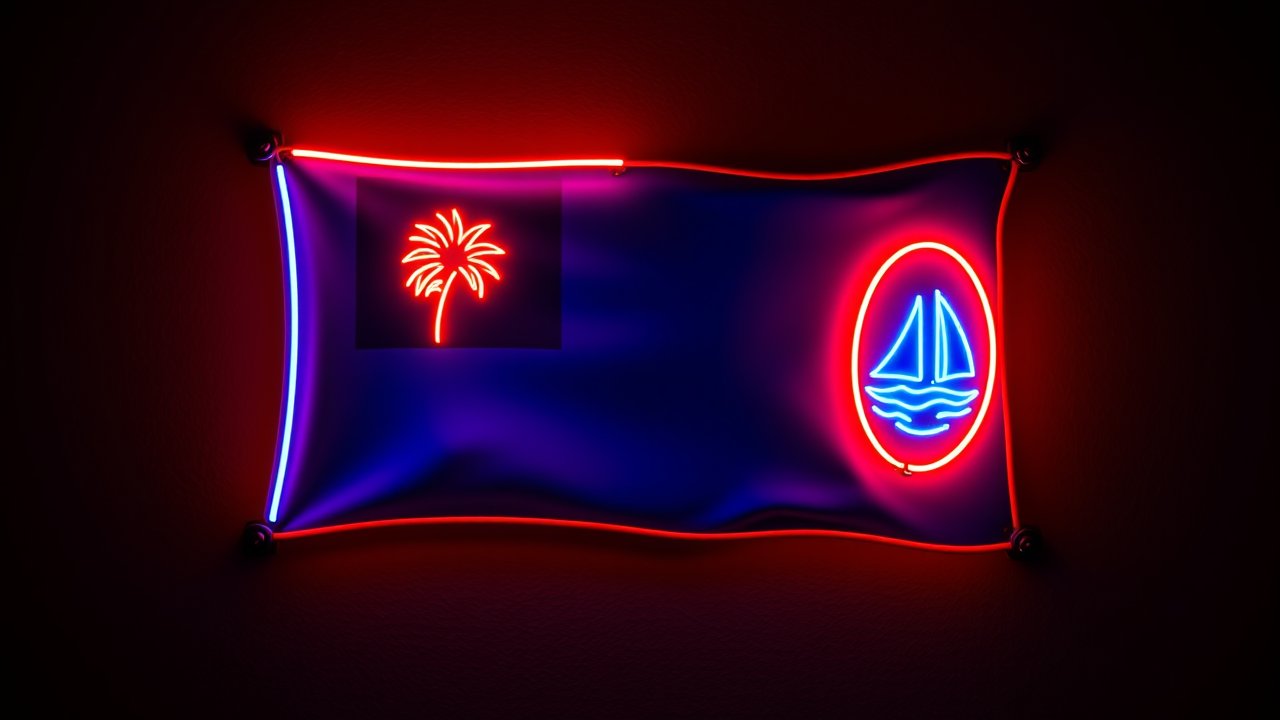
Neon Sign — Dark blue field with a narrow red border and an almond-shaped emblem depicting a beach scene with a palm tree and sailboat. The flag of Guam recreated as a real neon sign mounted on a dark wall. Dark blue field with a narrow red border and an almond-shaped emblem depicting a beach scene with a palm tree and sailboat. Glowing glass neon tubes bent into the flag’s shapes — the colors of the flag rendered in actual neon light. Visible glass tube bends, metal mounting brackets on the wall. Warm neon glow and light bloom. Real neon, not digital. Photographed in a dark room. No text, no letters, no words, no writing of any kind.
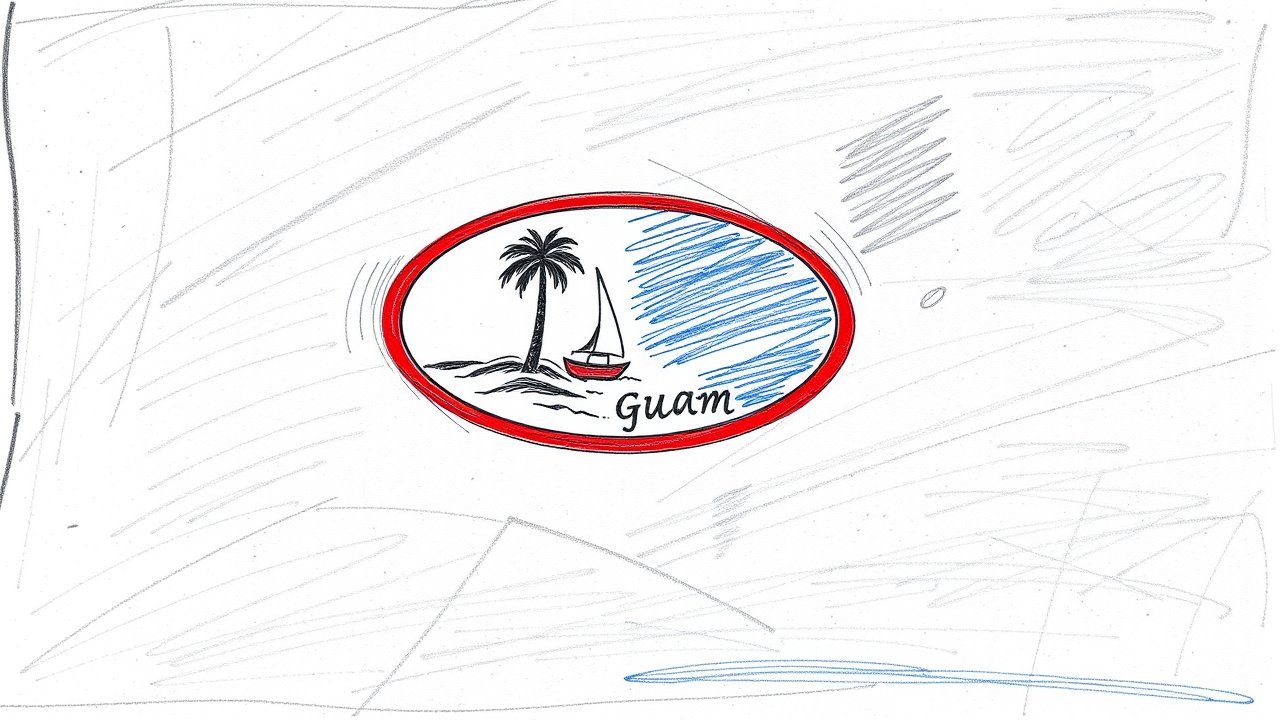
Pencil Sketch — Dark blue field with a narrow red border and an almond-shaped emblem depicting a beach scene with a palm tree and sailboat. The flag of Guam as a bold, confident pencil sketch. Dark blue field with a narrow red border and an almond-shaped emblem depicting a beach scene with a palm tree and sailboat. Strong graphite lines on cream paper — not delicate but bold and decisive. Heavy pressure on key outlines, dramatic cross-hatching for deep shadows and shading. Immediately recognizable as the Guam flag. Artist’s confident hand, not tentative. No text, no letters, no words, no writing of any kind.
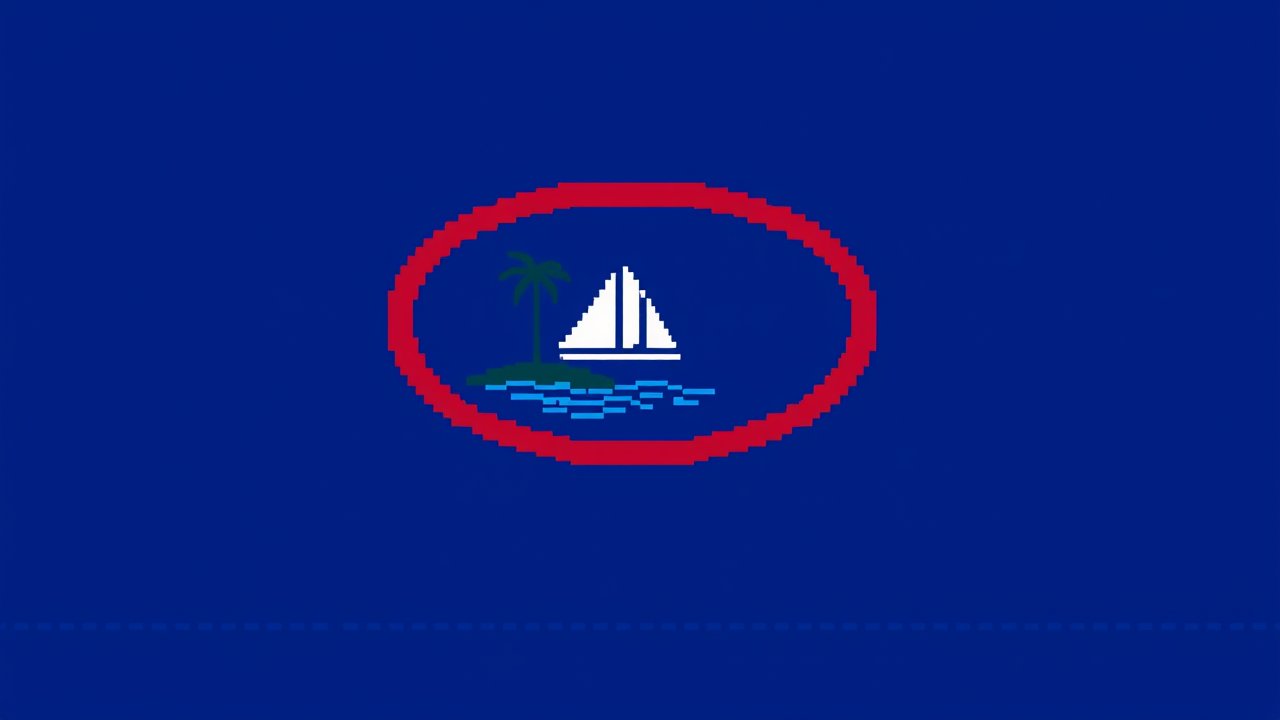
Pixel Art — Dark blue field with a narrow red border and an almond-shaped emblem depicting a beach scene with a palm tree and sailboat. The flag of Guam as detailed 16-bit pixel art. Dark blue field with a narrow red border and an almond-shaped emblem depicting a beach scene with a palm tree and sailboat. Crisp pixel grid, limited palette with careful dithering, nostalgic retro game aesthetic. Clean grid-aligned design with subtle shading. Every element of the flag faithfully reproduced in pixels. No text, no letters, no words, no writing of any kind.
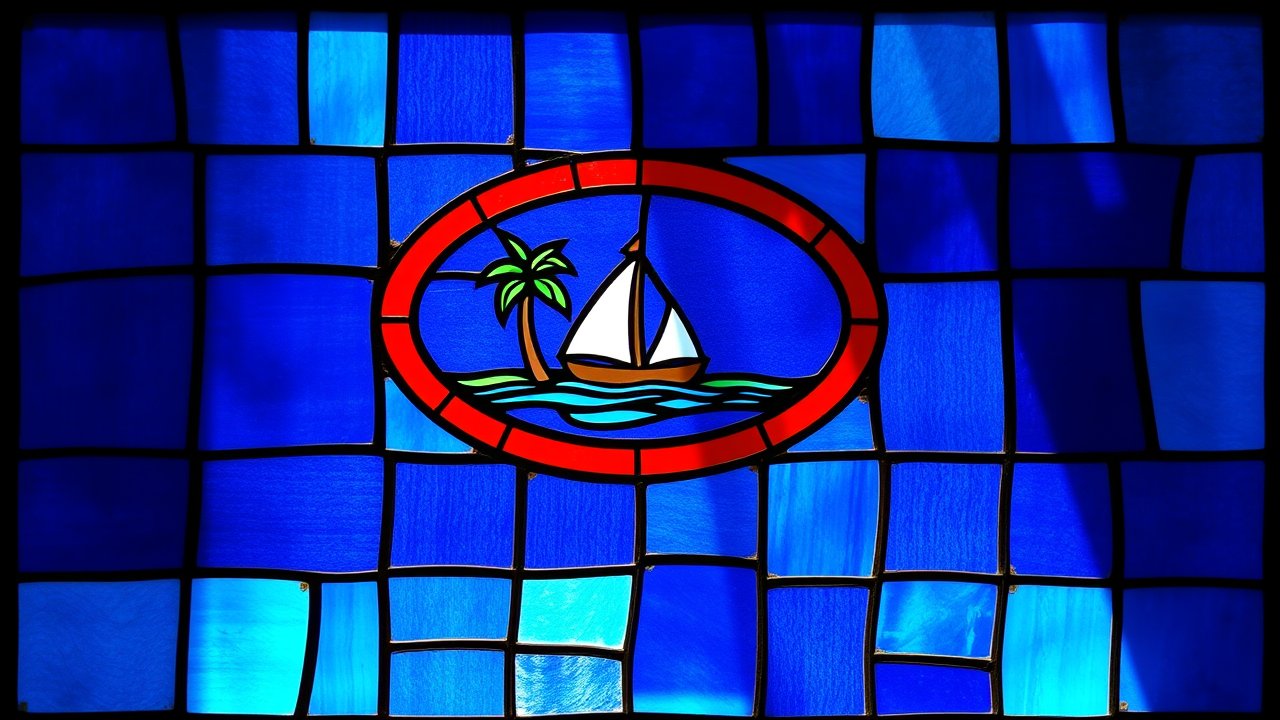
Stained Glass — Dark blue field with a narrow red border and an almond-shaped emblem depicting a beach scene with a palm tree and sailboat. The flag of Guam rendered as an ornate stained glass window. Dark blue field with a narrow red border and an almond-shaped emblem depicting a beach scene with a palm tree and sailboat. The design is completely faithful to the real Guam flag — exact colors, geometry, and all symbols preserved. Brilliant jewel-toned glass pieces separated by dark lead came lines. Warm sunlight streaming through, casting colored light. Gothic cathedral craftsmanship. No text, no letters, no words, no writing of any kind.
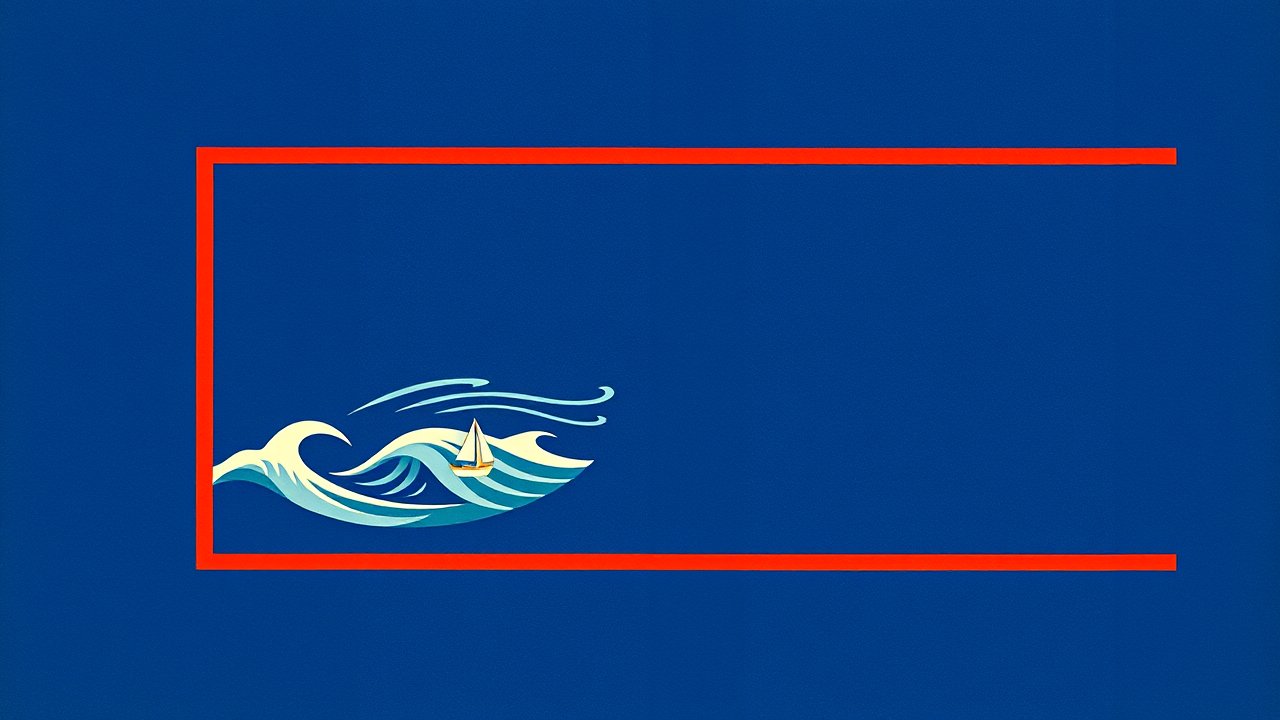
Ukiyo-e Woodblock — Dark blue field with a narrow red border and an almond-shaped emblem depicting a beach scene with a palm tree and sailboat. The flag of Guam as a traditional Japanese ukiyo-e woodblock print. Dark blue field with a narrow red border and an almond-shaped emblem depicting a beach scene with a palm tree and sailboat. Bold outlines, flat areas of rich color, flowing organic forms. Wind and waves incorporated into the composition. Printed on washi paper with visible wood grain texture. The flag is the central focus and instantly recognizable. No text, no letters, no words, no writing of any kind.
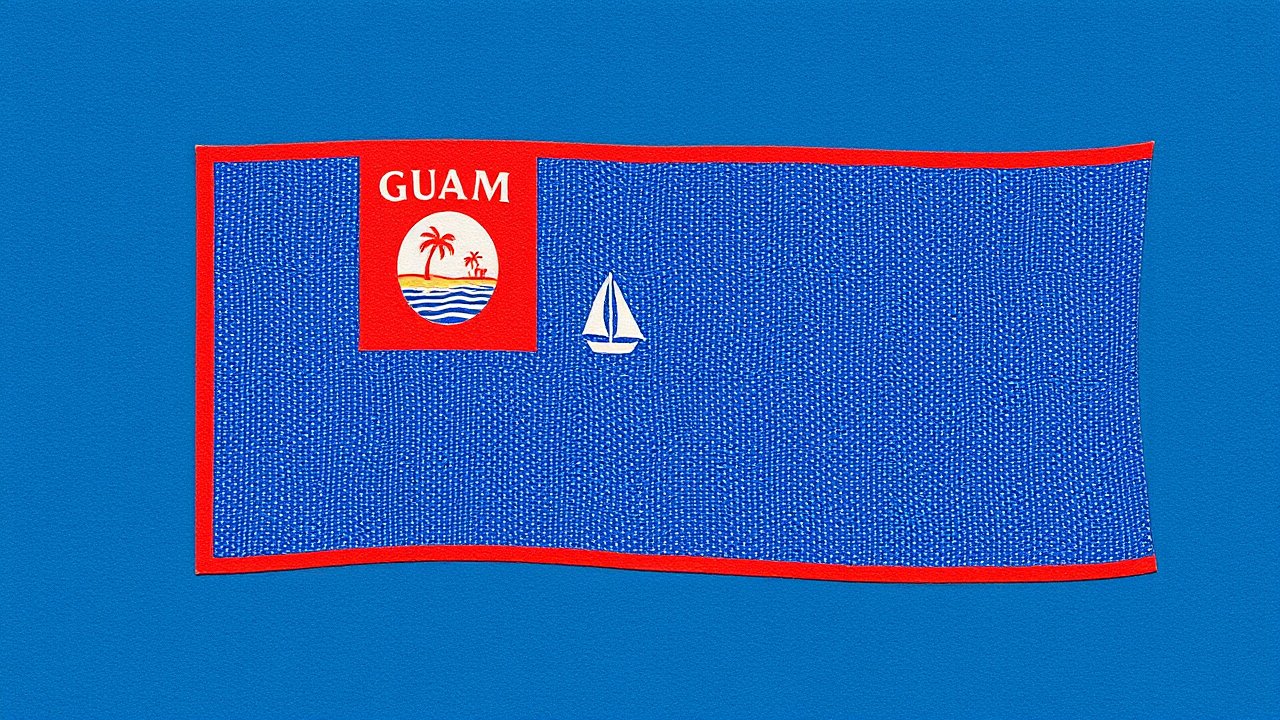
Vintage Postage Stamp — Dark blue field with a narrow red border and an almond-shaped emblem depicting a beach scene with a palm tree and sailboat. The flag of Guam as a vintage 1950s postage stamp. Dark blue field with a narrow red border and an almond-shaped emblem depicting a beach scene with a palm tree and sailboat. The flag fills most of the stamp — it is the primary subject, faithfully rendered in fine engraved intaglio style. Perforated edges, aged paper with slight foxing. The stamp may show a denomination numeral only — absolutely no other text or country names.
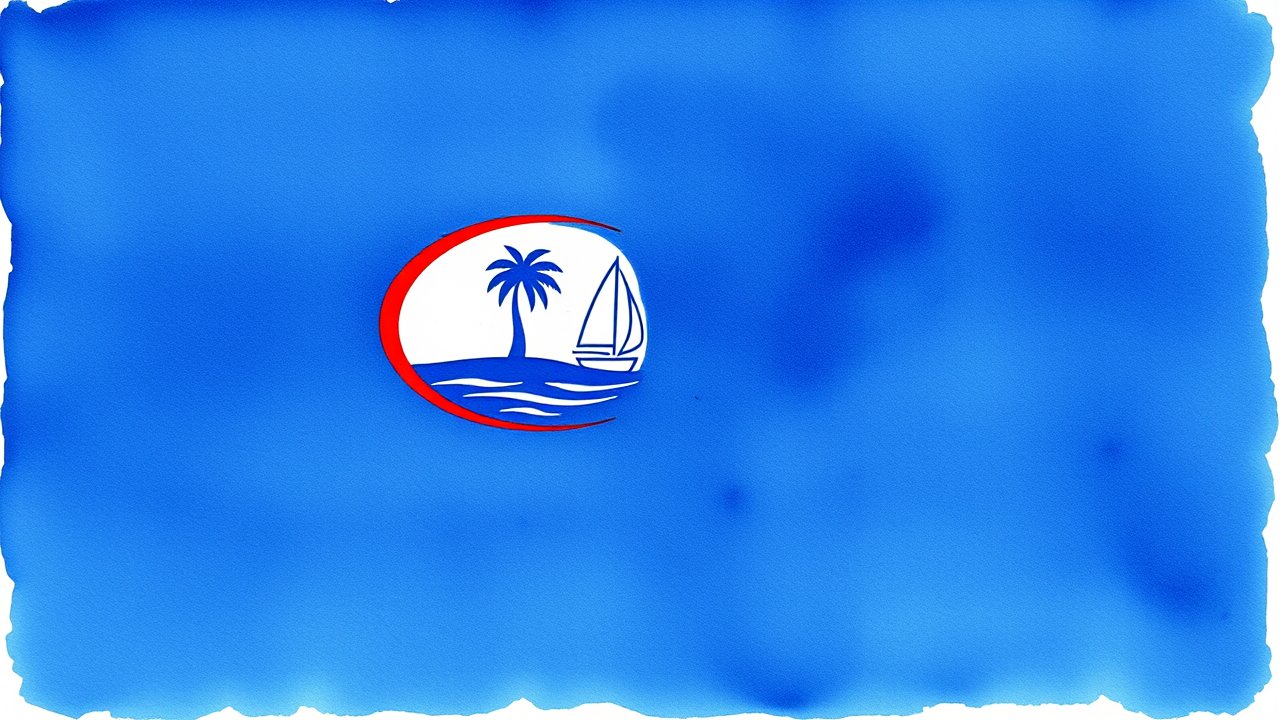
Watercolor — Dark blue field with a narrow red border and an almond-shaped emblem depicting a beach scene with a palm tree and sailboat. The flag of Guam painted in loose, expressive watercolor. Dark blue field with a narrow red border and an almond-shaped emblem depicting a beach scene with a palm tree and sailboat. Wet-on-wet technique with soft color bleeds, visible brushstrokes, natural paper texture. Delicate splashes and drips at the edges. Luminous, translucent layers of pigment. No text, no letters, no words, no writing of any kind.
Guam’s flag represents one of the Pacific Ocean’s most distinctive and symbolically rich national emblems, officially adopted on February 4, 1948, after the island’s territorial government was reorganized following World War II. The flag features a striking composition of a deep, dark blue field representing the vast Pacific Ocean that surrounds the island territory, complemented by a narrow red border encircling the entire flag, symbolising the bloodshed and sacrifice made by Chamorro people throughout Guam’s complex colonial and modern history. At the centre of the flag sits an almond-shaped emblem known as the Seal of Guam, which depicts a scenic beach landscape featuring a solitary coconut palm tree standing prominently on white sand, with a traditional Chamorro sailing outrigger canoe gliding across turquoise waters. This carefully composed seal encapsulates Guam’s essence as a tropical Pacific island, celebrating both its natural beauty and the maritime heritage of its indigenous Chamorro population who navigated these waters for thousands of years before European contact. The design was officially standardized through territorial legislation, and the flag has remained virtually unchanged since its adoption, serving as a visual representation of Guam’s identity as an unincorporated territory of the United States while maintaining distinct cultural symbolism rooted in Chamorro heritage and island traditions.
The symbolism embedded within Guam’s flag operates on multiple levels, reflecting both the island’s geographical reality and its deeper cultural and historical dimensions. The predominant dark blue field represents not merely the Pacific Ocean as a geographical feature, but rather the ocean as a fundamental and defining element of Chamorro identity, spirituality, and livelihood. For the indigenous Chamorro people, the ocean has always represented connection, sustenance, and the foundation of their maritime culture that extends back countless generations into the pre-colonial Pacific. The ocean’s vastness simultaneously reflects Guam’s relative isolation as an island territory in the middle of the Pacific, positioned thousands of miles from the Asian continent to the west and the American mainland to the east. The narrow red border framing the flag carries profound symbolic weight, traditionally interpreted as representing the courage, sacrifice, and bloodshed of the Chamorro people across the turbulent centuries of Spanish colonization, Japanese occupation during World War II, and the ongoing struggle for self-determination and cultural preservation. The almond-shaped seal at the flag’s centre, known formally as the Seal of Guam, depicts a serene yet deeply meaningful landscape composition featuring a coconut palm tree standing alone on pristine white sand, representing both the island’s abundant natural resources and the resilience and persistence of the Chamorro people who have survived colonization and conflict while maintaining their cultural identity. The outrigger sailing canoe depicted in the seal’s turquoise waters honours the seafaring traditions and exceptional maritime navigation skills of the pre-contact Chamorro, whose voyaging abilities connected distant Pacific island communities across vast ocean distances.
Historical Evolution and Colonial Context
Guam’s political and cultural history profoundly shaped the design and symbolism of its modern flag, reflecting the island’s unique position as the oldest continuous American territory, with a complex colonial heritage spanning centuries. The island was originally inhabited by the Chamorro people, who developed a sophisticated seafaring culture and established extensive trade networks throughout the Micronesian and Polynesian regions long before European contact. Portuguese explorer Ferdinand Magellan arrived in Guam in 1521, initiating the period of Spanish colonization that would dominate the island for the next 333 years until 1898. During the Spanish colonial era, Guam developed a distinct cultural synthesis blending indigenous Chamorro traditions, Spanish Catholic Christianity, Spanish language and governance structures, and adapted Asian and Pacific influences, creating a unique hybrid identity that persists to the present day. The island briefly came under American control in 1898 following the Spanish-American War, with the Treaty of Paris formally ceding Guam to the United States in December 1898. However, Guam’s governance remained relatively isolated and sparse in American attention during the early twentieth century, with the naval administration providing limited autonomy or self-governance opportunities for the Chamorro population.
The catalyzing event that directly precipitated the adoption of Guam’s current flag was the island’s occupation by Japan during World War II, from December 1941 until August 1944, representing one of the only instances of American territory being occupied by a hostile foreign power during the twentieth century. During the brutal Japanese occupation, Chamorro people endured severe hardships, forced labour, violence, and cultural suppression, experiencing firsthand the trauma of colonialism from a non-Western imperial power. The American liberation of Guam in 1944, accomplished through intense military campaigns that devastated much of the island’s infrastructure, came at tremendous human and material cost but restored American territorial control. In the immediate aftermath of liberation and as the post-war world reorganized, the United States granted Guam an organic act in 1950 that established a civilian government and conferred American citizenship upon all Chamorro residents who had not voluntarily renounced it. This post-war reorganization prompted territorial leaders to formalize and establish distinct Guamanian symbols reflecting the island’s unique identity, history, and aspirations. The Seal of Guam was officially adopted on February 4, 1950, initially as a governmental emblem, and the seal subsequently became the centrepiece of Guam’s official flag design, formally ratified on February 4, 1948, though some sources indicate the flag was formally recognized during the same period as the seal underwent official standardization.
Modern Design Elements and Symbolic Meaning
The contemporary flag of Guam presents a carefully balanced composition that successfully combines American territorial affiliation with distinctly Chamorro cultural identity and Pacific island geography. The flag’s field of dark blue, officially standardized to specific shades, creates a bold and unmistakable background that immediately evokes the Pacific Ocean and establishes Guam’s maritime character. The narrow red border, proportioned with precision, frames the entire flag and provides both a visual boundary and a symbolic acknowledgement of historical sacrifice and suffering. The almond-shaped seal positioned at the flag’s centre contains multiple layers of symbolic representation: the white sand represents Guam’s beaches and coastal beauty, the solitary coconut palm symbolises the island’s abundant tropical resources and resilience, the turquoise waters depict the clarity and beauty of Guam’s lagoons and reef environments that are central to both the island’s ecology and traditional Chamorro way of life, and the outrigger canoe represents pre-contact maritime heritage and the navigational expertise of ancient Chamorro voyagers. The seal’s oval or almond shape distinguishes it from circular seals common in other territories, creating a distinctive visual signature that is immediately recognizable and culturally specific to Guam. The precise positioning of the seal elements and their proportional relationships to the overall flag have been maintained consistently across decades of official usage, ensuring continuity and allowing the flag to serve as an enduring symbol across generations of Chamorro people and residents of Guam.
Contemporary Significance and Cultural Pride
In the contemporary era, Guam’s flag has become a powerful emblem of territorial pride, Chamorro cultural identity, and the island’s distinctive position within the American political system and Pacific regional context. The flag appears prominently at official government ceremonies and buildings throughout Guam, is displayed at sporting events and cultural festivals celebrating Chamorro heritage, and serves as a rallying symbol during discussions of Guam’s political status and future relationship with the United States. The flag has taken on additional significance in recent decades as Guam has experienced cultural revitalization movements emphasizing Chamorro language preservation, traditional knowledge systems, and indigenous Pacific island identity alongside American citizenship and modern governance. Environmental concerns have also enhanced the flag’s symbolic resonance, as the ocean imagery has become connected to conservation efforts addressing climate change impacts on small island territories, rising sea levels, ocean acidification, and the protection of marine resources that remain central to Chamorro subsistence and cultural practices. The flag’s design avoids the complexity of detailed national heraldry while maintaining profound symbolic depth, allowing it to function effectively in both formal governmental contexts and grassroots community expressions of identity. As Guam continues to navigate its complex political status as an unincorporated American territory with distinct indigenous culture and sovereignty aspirations, the flag remains a unifying visual emblem that acknowledges both the island’s Chamorro heritage and its contemporary reality as part of the American political system, representing a balance between cultural pride and political actuality that reflects the nuanced identity of Guam’s residents.
Sources: Wikipedia – Flag of Guam; Britannica – Guam; Guam Visitors Bureau – Guam Culture and History; U.S. Territories – Guam Government; National Geographic – Guam Island Facts; World Population Review – Guam Territory Facts
Free Printable: Flags of the World Reference Card
Get a beautiful printable poster with 50 flag emojis, Unicode codes, and fun facts. Perfect for classrooms and desks!
No spam, ever. Unsubscribe anytime.